


For someone who’s always been early to new technology, I’ve been surprisingly slow to adopt AI into my actual day‑to‑day life. I’ve played with the usual suspects, including ChatGPT, Claude, Gemini, and NotebookLM, among others. I’ve written posts about how I experimented with AI to suggest Apple Music playlists or to diagnose medical issues like a past toe injury, but these just aren’t things I do very often.
I’ve tried to have AI rewrite my blogs in different styles or even make automated videos with both Google Vids and Microsoft CoPilot. Still, the AI versions didn’t really sound like me, so I decided not to use them over the longer term.
So, I’ve played with AI, but it’s all been “experimental.” Not real-life.
This past week, I signed up for an online seminar on using AI, and the very first survey question asked me to list five things I do every day that were opportunities for automation. After looking at this window, I just froze and closed it.
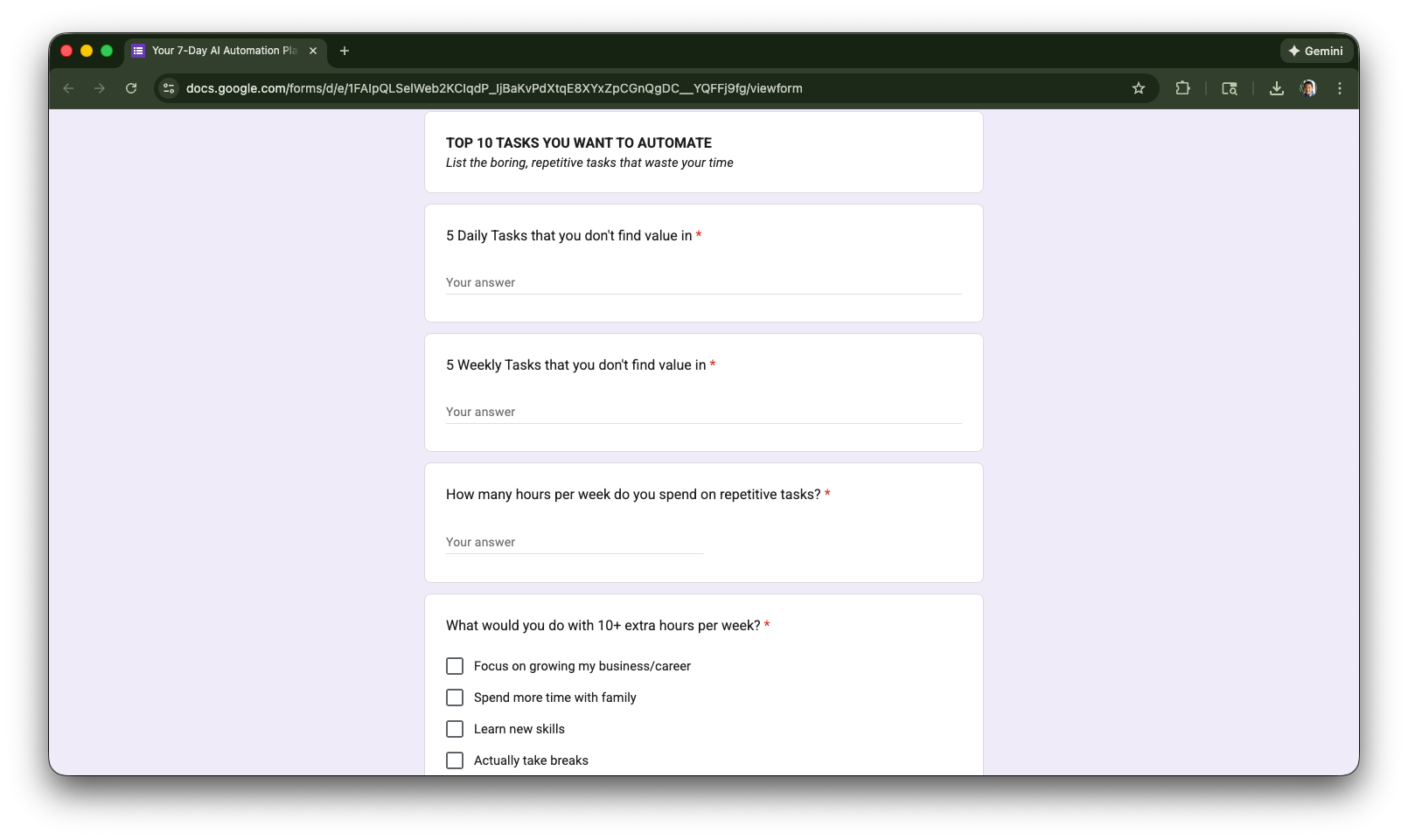
I just realized that, as a retired guy, I just don’t do that many daily things. My workflows aren’t typical office tasks. Most of what I do is pretty occasional, with a little bit of Zoom for consulting engagements, writing (often supported by research and fact-checking), the occasional spreadsheet update, dealing with investment or private lending paperwork, and going out with friends.
So I told myself I didn’t really need AI for anything, and never submitted the survey. That belief did not survive the week.
The Cursor Experiment
Concurrent with the recommendation to take that online AI seminar, friends have been telling me about “vibe coding” and suggested I try Cursor. I treated it the way an old guy treats new tools, with “cautious optimism.” As a test case for vibe coding, I recalled a past desire to host my own “link in bio” page as an alternative to LinkTree. For those who don’t know what I mean, here’s a screen shot of my new “link in bio” page.
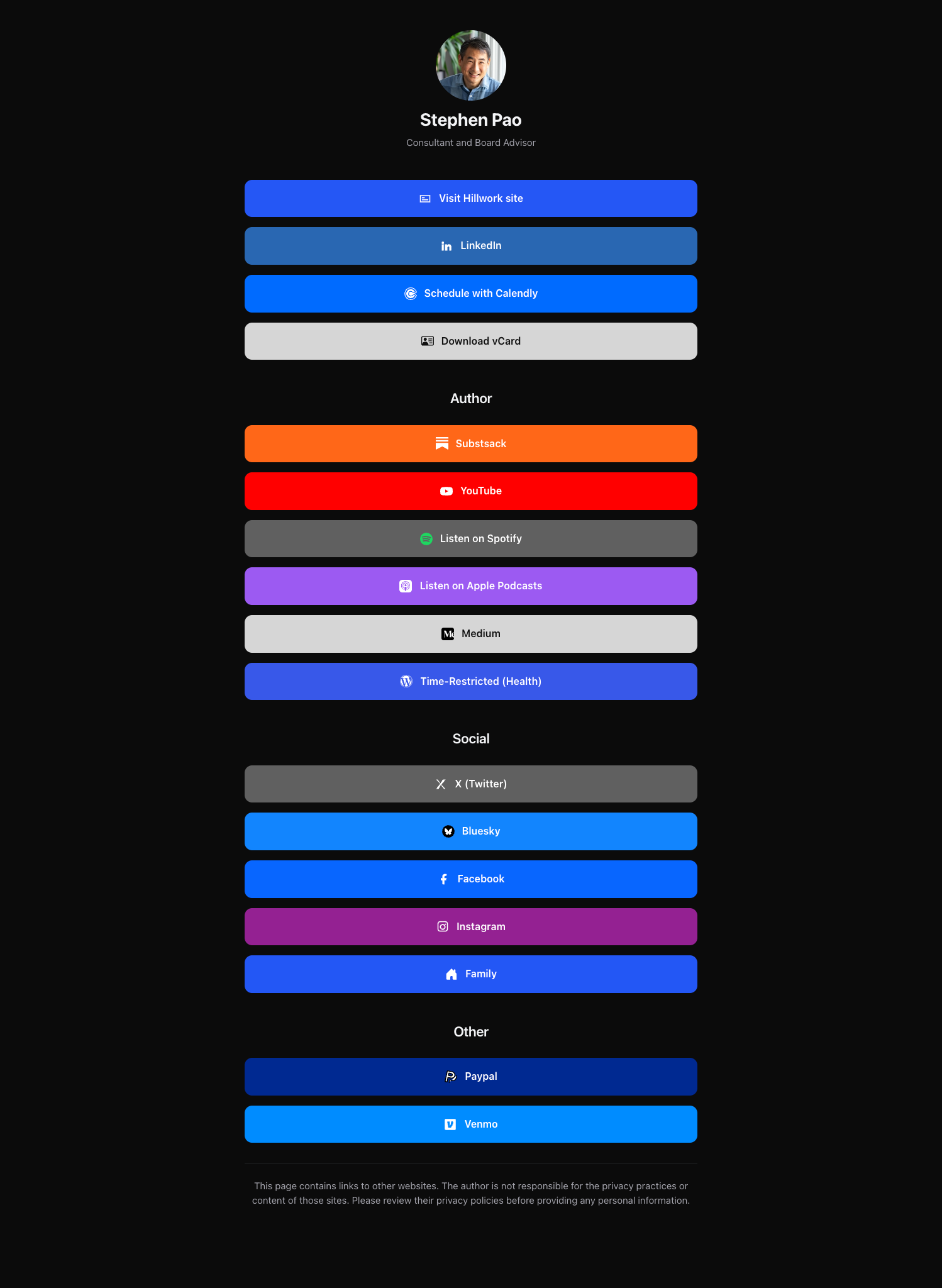
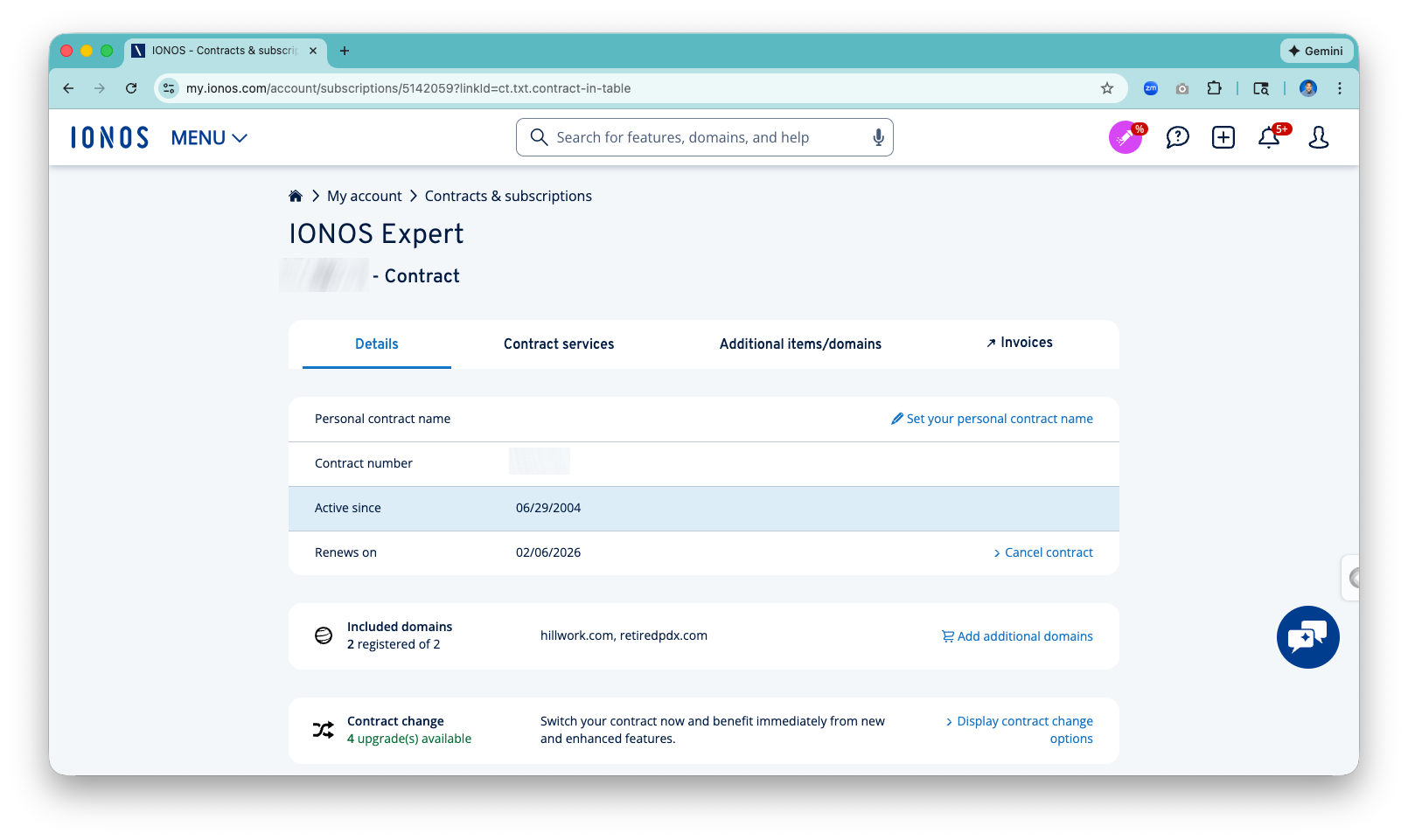
However, back when I was thinking of hosting this kind of page on my own, the most popular open source alternative was LinkStack, which uses Laravel, a PHP framework that doesn’t run well on older (and thus inexpensive) shared web hosting plans like the one I use to host my own web sites (paos.us, hillwork.us, time-restricted.com). The challenge of course in the modern era is making modern stuff work on 20-year old technology! I just verified that I’ve been using this legacy plan since 2004!
For this AI test, I figured that if I started with a simple app l built on familiar old-school technologies, I could take over the coding and debugging when the AI encountered errors. I assumed incorrectly that the AI would take this project only so far, and the ultimate responsibility would be up to me to get everything really working.
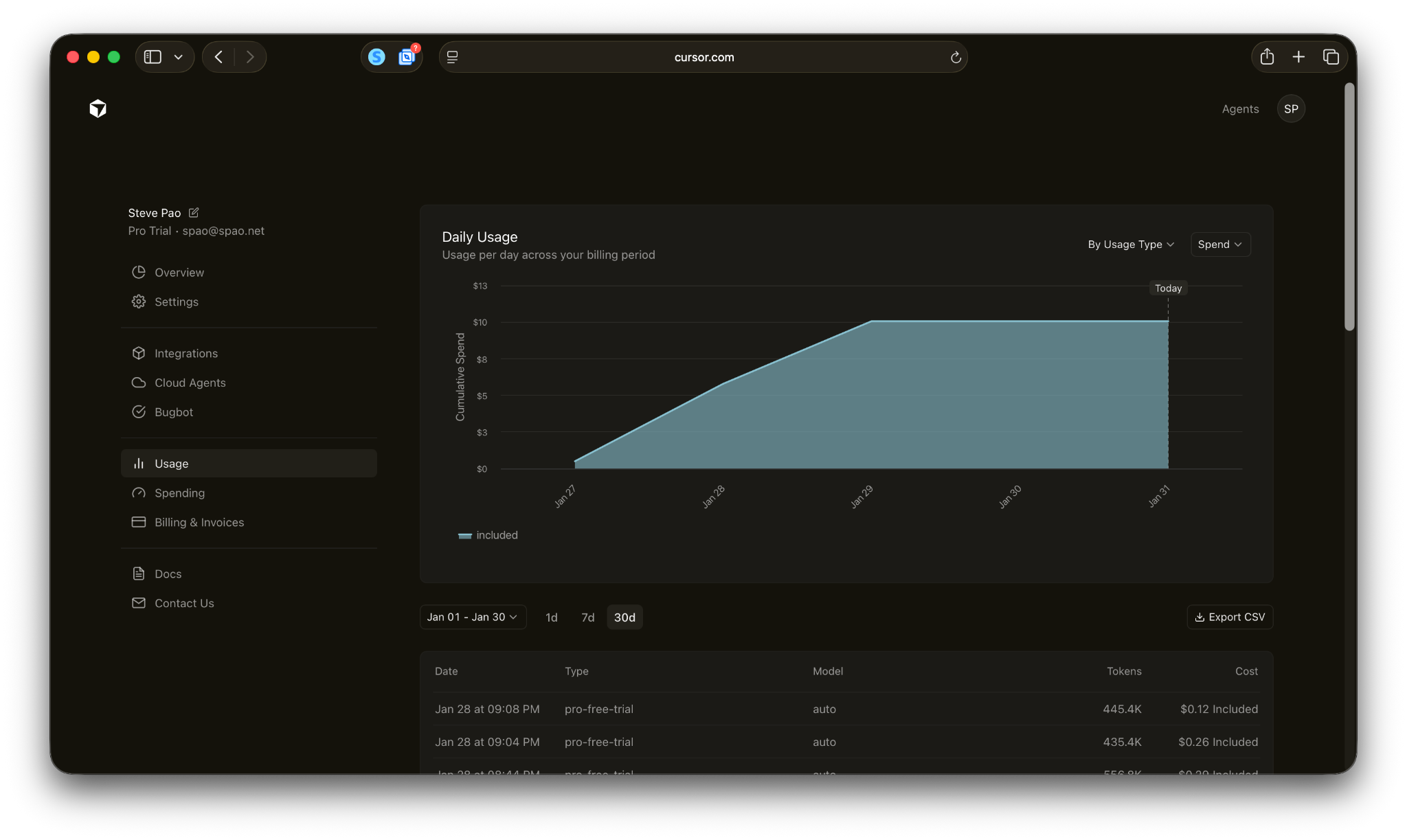
I was totally wrong! Cursor built the entire app, and I didn’t write a single line of code. When it encountered errors, it suggested debugging steps that I simply had to follow and paste back in error messages, to which it then responded with bug fixes! I kept escalating my “asks” of AI including support for multifactor authentication, passkeys, password resets, email account verification, and self-service signups. I realized I wasn’t being nearly aggressive enough in how I used AI. And in two days, I burned through all the included credits in the supposed 7‑day free trial.
For those who are interested, I put the app on https://link.hillwork.net. Feel free to sign up and give it a try! I also published the code as open source on GitHub with an MIT license if you want to peruse the code or install it yourself.
Revisiting everything
This whole experience was so fast and easy to get started and far exceeded my expectations. I’m now realizing that there are all sorts of life activities I would automate with this level of ease. For example, for my direct private lending activity, I’ve been manually maintaining spreadsheets to track the different deals, the payments, and even creating the VOM (verification of mortgage) documents for subsequent lenders on refinancing. I had convinced myself that automating this would take more time than the manual work ever would.
But that flawed reasoning was based on old realities of being both a former programmer and a retired tech exec that has managed a ton of software projects the old way. AI is a total game changer. So, in this case, the real constraint was not what AI can actually do, but rather my own skepticism about what people claimed!
“Memory” as the next issue
If anything has held me back from using chat-based AI for real workflows, it’s memory. There have been limited cases where I could go back to the same chat inside ChatGPT, for example, to monitor the progress of a toe injury healing over time.
However, in general, ChatGPT can’t really “remember” much. In technical terms, the AI is constrained by a “context window” (measured in “tokens”) that it can process in a single conversation. Once a chat exceeds this capacity, the model “forgets” earlier messages, pushing older information out of working memory. The result is that ChatGPT essentially can “forget” things I told it before. As such, I don’t think I’d trust it to actually do things for me that required more context or background information from me.
That said, the buzz right now is around OpenClaw (formerly “Clawdbot” and briefly, “Moltbot”), which is a local agent that utilizes disk, rather than just working memory, to retrieve past preferences, files, and conversations. So, I just did the thing that many on the Internet are making fun of, which is that I bought a Mac Mini to play with OpenClaw more safely in its own sandboxed environment. I think that could change everything.
A reluctant convert
Historically, I resist trends that don’t resonate with me at first. (For example, I have largely resisted social media, and I still don’t use food delivery services). However, somewhat unexpectedly, I am becoming an AI convert.
This little “vibe coding” example with Cursor demonstrated to me that I was thinking like someone who needed to plan, engineer, debug, and maintain every step of the way. But AI doesn’t need me to do that anymore. I can ask it to handle those things for me, think differently, and just act faster.
t don’t know exactly where all of this goes. That said, I am now open to automating things I previously thought weren’t worth automating. I am just working through (as a former cybersecurity guy) what all the security implications of this are going to be.
The irony was that what converted me to this new world wasn’t some futuristic demo or new use case. The insight came from an old school app running on 20-year-old server tech!
Great article Pao! I admit, I am in the same place you were before you became receptive to AI. And like you, I have to find that one thing that AI can actually help me with. With this nudge, I will give it a go... -MWo
Thanks for writing this, it clarifies a lot. Daily AI adoption varies.